Screen to GIF, annotated, from the menu bar.
Gif4Mac records an area of your screen or a whole display, lets you trim it and add text, arrows and blur, then exports a high-quality GIF ready to paste into Slack or an issue.
macOS 26.5 or later · Apple silicon and Intel
- Mac App StoreComing soon
What the app does
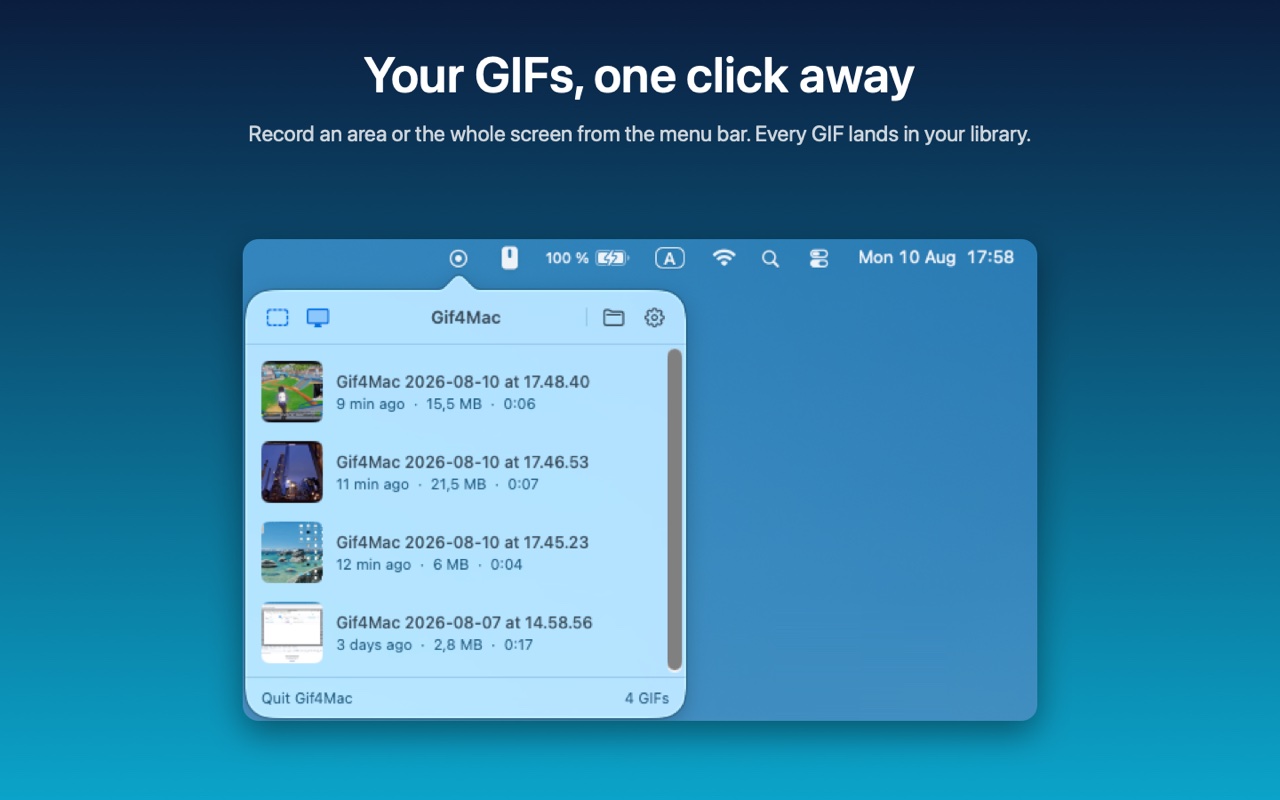
- Capture from the menu barDrag an area or click a display. A compact HUD shows the timer and the stop button, and stays out of the recording.
- Trim on a timelineA real video player with trim handles and scrubbing, so you keep only the part you need.
- Text, arrows and blurCallouts with their own colours and size, arrows, and a blur to hide sensitive details. Each one appears only during the time you choose.
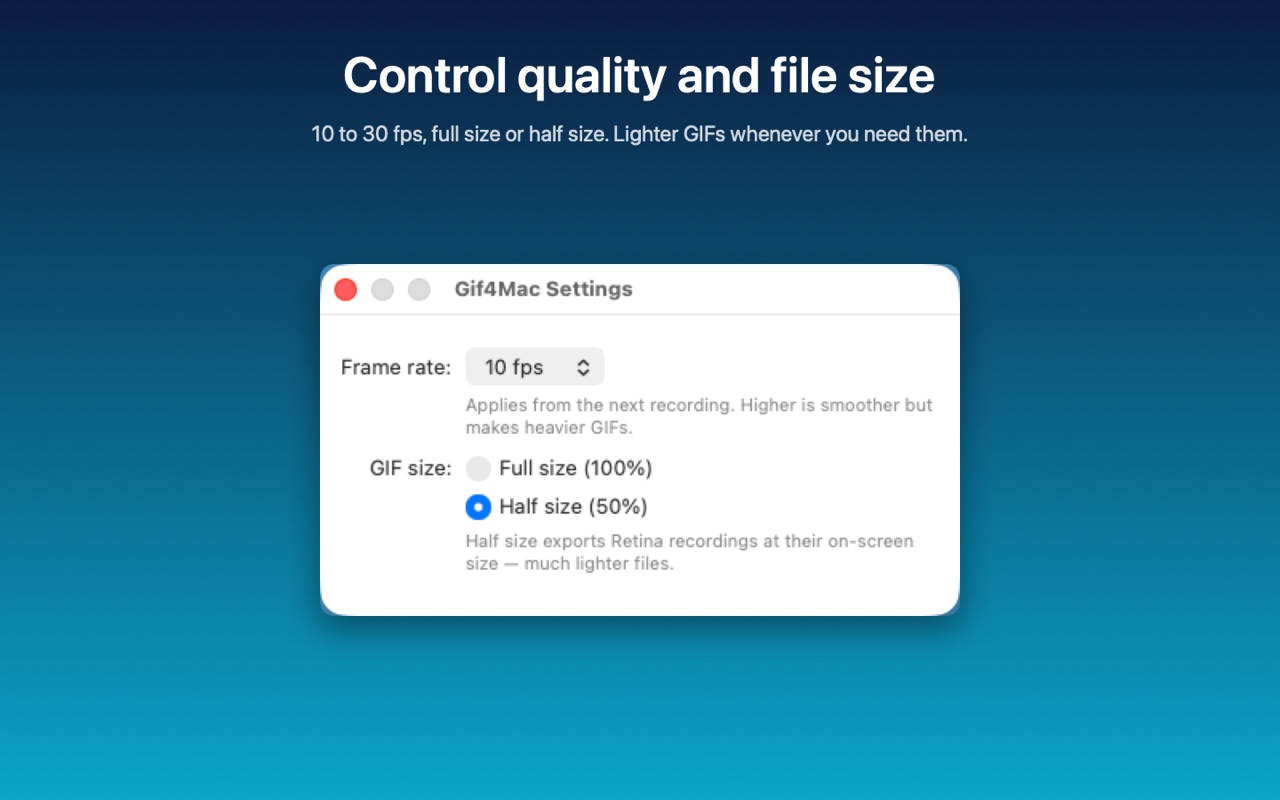
- Clean GIF exportA two-pass palette encode keeps colours sharp. Copy puts the GIF on the clipboard, ready to paste.
- Your recent GIFsThe menu-bar popover lists your recent GIFs with size and duration, to reveal, copy or delete them.